Whatnot inventory that matches Shopify, sale by sale.
For Whatnot sellers who keep their stock in Shopify and sell from generic listings: mystery boxes, buyer's-choice lots, pick-your-pull.
Short answer
Scan the real item as it sells on your Whatnot show. ScanStation takes that exact item off its Shopify “available” count and logs it under the Whatnot buyer's sale number, so a generic listing never leaves Shopify guessing.
The gap generic listings leave
Whatnot's official Shopify integration syncs the products you list, their stock, and orders back to Shopify. That covers items listed one by one. A generic listing is different: the buyer pays for “Mystery Slab” or “Pick a pair”, so the order can only name that listing, not the specific card, slab or sneaker you pulled on camera.
Without a record of which item left, Shopify still shows it as available, and it can sell twice.
How a Whatnot show runs with ScanStation
- A buyer wins your generic listing on Whatnot.
- You pick the real item on camera and scan its barcode.
- ScanStation takes 1 off that item's “available” count in Shopify, at your chosen location, and puts it on the packing list under the buyer's sale number.
- Scanned the wrong thing? Undo puts it straight back.
- When the show ends, print the packing list, download it as a CSV, or open your Google Sheet.
Sale numbers that line up
ScanStation numbers sales the way Whatnot counts buyers (1, 2, 3…), and you can correct the number mid-show. Bundles keep one sale number while one buyer takes several items, so the packing list matches who bought what.
Already using Whatnot's Shopify integration? Keep it.
Whatnot's Shopify integration is the right tool for products you list on Whatnot one by one: when one of those sells, its own stock updates. ScanStation is for the other kind of sale, the generic listing where you choose the item on camera.
Don't scan an item whose own Whatnot listing already updated Shopify, or it comes off your stock twice. Scan what you sold from a generic listing, and let the sync handle the rest.
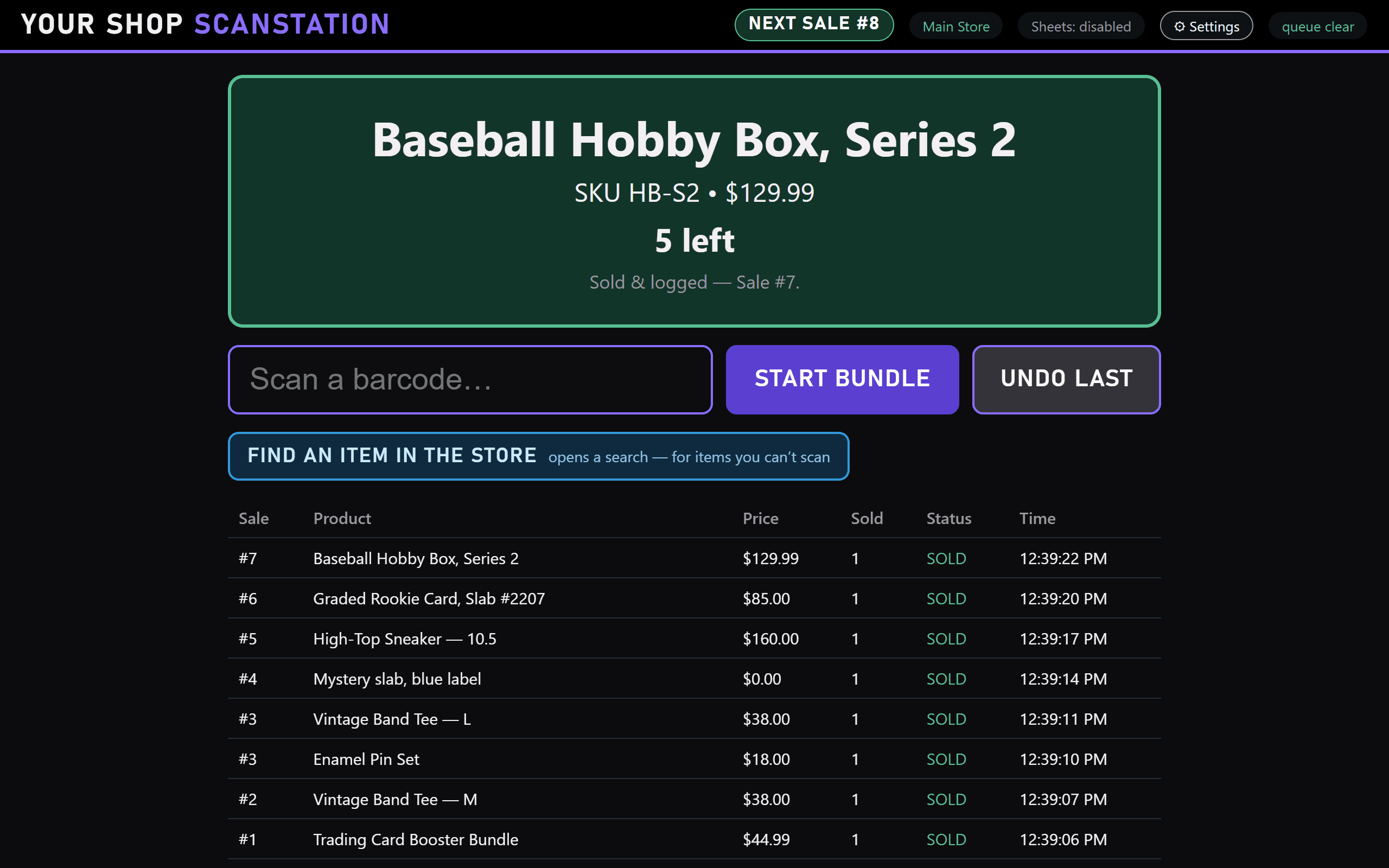
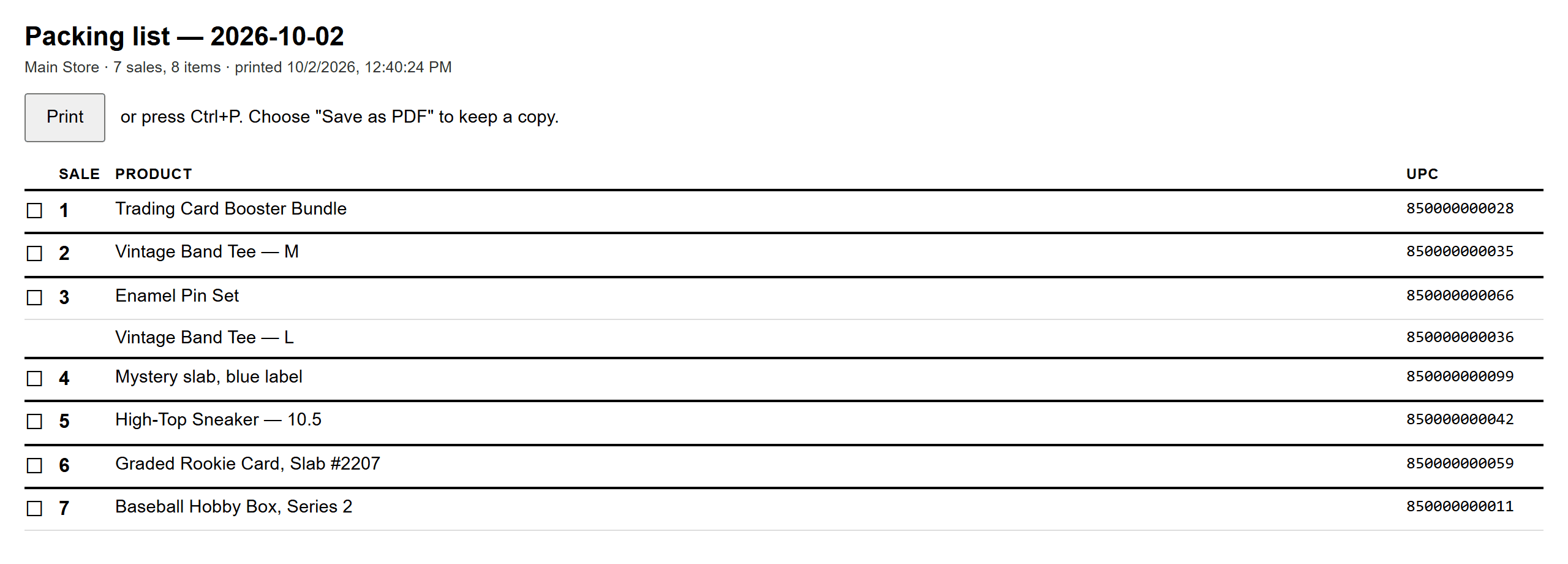
Real screenshots of ScanStation, taken with a pretend store. Your screen shows your shop's name and your products.
Whatnot questions
How do I keep Shopify inventory accurate when I sell from a generic listing on Whatnot?
Scan each real item as it sells. ScanStation takes 1 off that item's available stock in Shopify and records the buyer's sale number on your packing list. Undo puts it back if you scanned the wrong thing.
Does ScanStation replace Whatnot's Shopify integration?
No. They do different jobs. Whatnot's integration syncs products you list individually; ScanStation records which real item left when you sell from a generic listing. Just don't scan an item whose own Whatnot listing already updated Shopify.
Does ScanStation connect to my Whatnot account?
No. It connects only to your Shopify store, so there's nothing to link on Whatnot and nothing changes in how you run your show.
Does it work for Whatnot auctions and Buy It Now?
Yes. ScanStation doesn't see Whatnot at all, so the sale format doesn't matter: whenever an item leaves the table, scan it.
Scan it off the shelf.
Windows and Mac. Setup takes about 10 minutes inside the app.